Preview a complete article
Article structure, cover media, section count, cost, and export actions stay visible together.
MarkdownDownload or copy
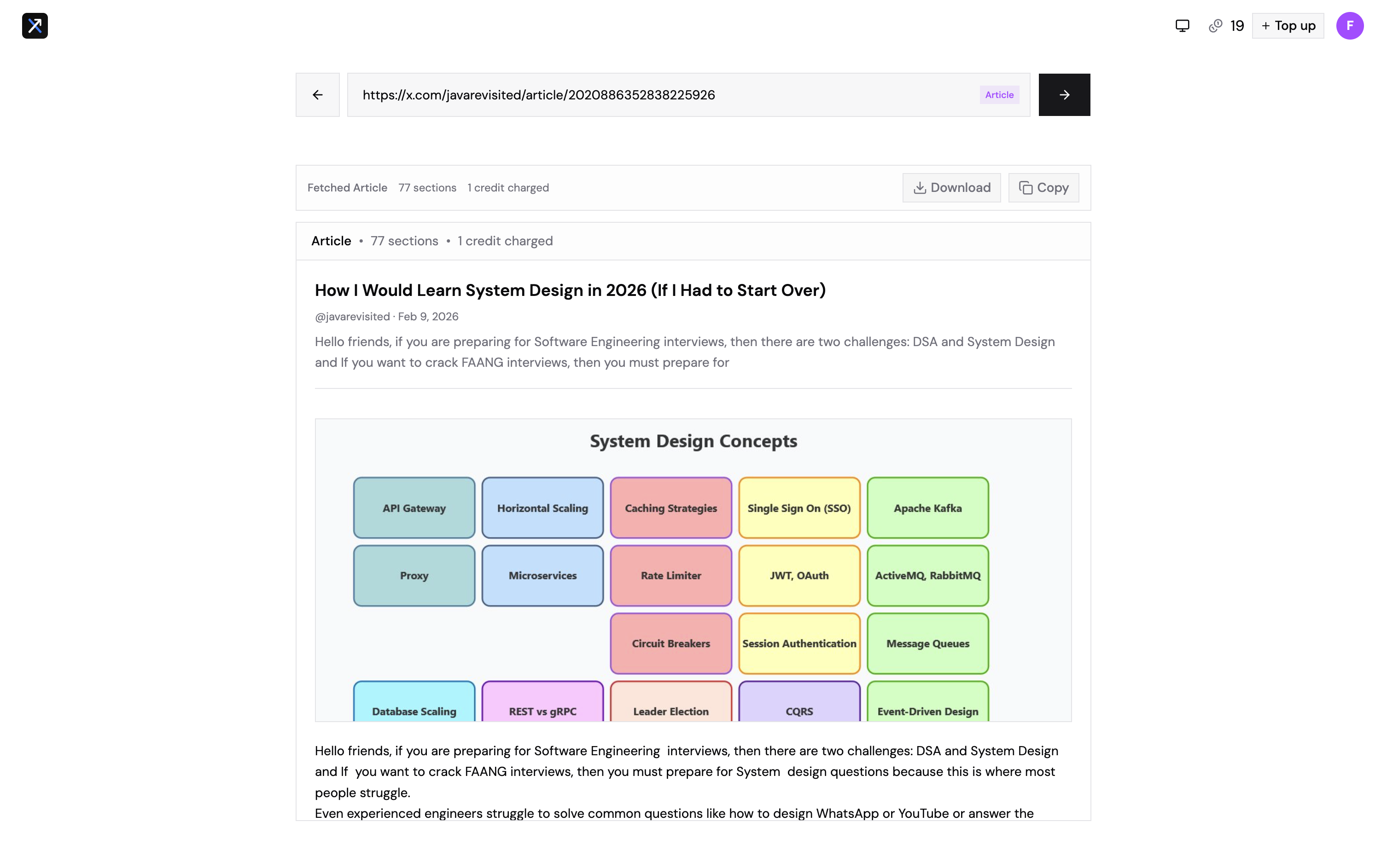
Tap the capture to inspect it full size.
Bookmarks: paste x.com/i/bookmarks and connect your X account. Sold at X API cost: 10 bookmarks = 7 credits (100 bookmarks ≈ $0.56). X returns only your 800 most recent bookmarks.
See what you get
Follow progress as Xport fetches each page, inspect the real content and media, then download a clean file. Long exports can be stopped without losing fetched results.
Article structure, cover media, section count, cost, and export actions stay visible together.
Tap the capture to inspect it full size.
Pause a long profile export after any page and export everything already saved. Reloading resumes active jobs by job ID.
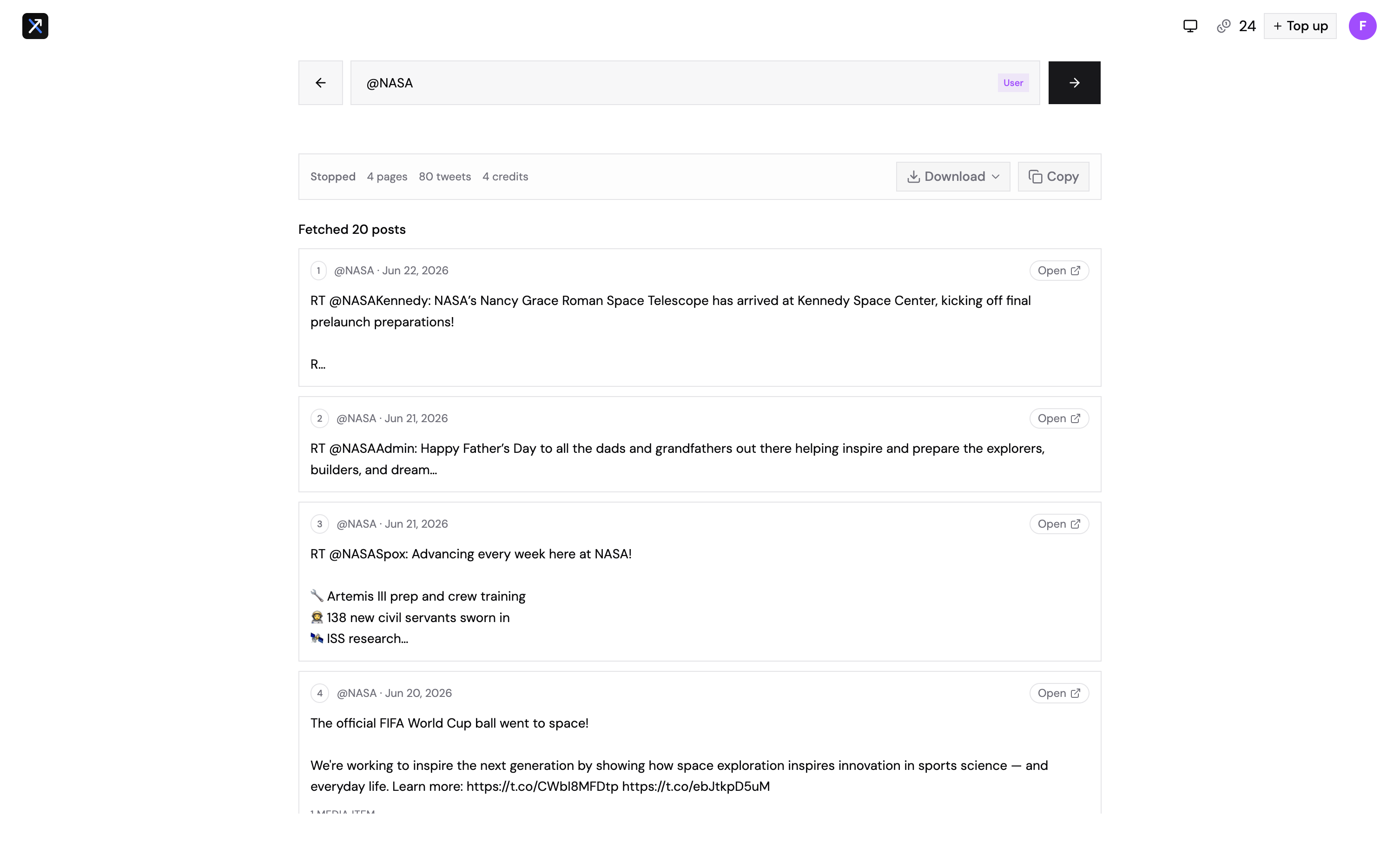
Tap the capture to inspect it full size.
Screens show real Xport result states using public example content. No sign-in is required to explore this walkthrough.